Introduction
If you want to grow your visibility, improve your ranking, and build content your audience trusts, mastering the art of tutorials, how-to’s and tool guides is essential. In digital marketing, step-by-step content isn’t just helpful—it’s one of the strongest ways to win search traffic.
This article serves as a complete keyword research tool guide, tailored specifically for creators, brands, and businesses who want to improve ranking by using Google Keyword Planner. As founder of Bluecuts Web Developers & Digital Marketing Agency, I’ve spent more than a decade developing tutorials and tool guides that drive organic traffic—and I’ll show you the exact methods we use to help clients rank on Google.
Why Practical How-To Content Dominates Search Results
Most search queries today start with intent-based formats like:
- “how to…”
- “best way to…”
- “step-by-step…”
- “guide to…”
- “tutorial…”
Why?
Because users don’t want theory—they want execution. They want real steps that solve real problems.
Tutorials and tool guides align perfectly with user intent because they offer clarity, structure, and answers. Search engines reward this type of content because:
- It keeps users on the page longer
- It satisfies informational intent
- It earns more external links
- It improves click-through rate
- It increases time on page
All of these signals boost ranking.
The Role of Tutorials in Improving Website Ranking
When you create tutorial-based content, you send a message to search engines that says:
his website is a trustworthy resource that solves user problems.”
This means:
- More visibility
- Higher ranking
- Better brand trust
- A stronger user journey
- More opportunities for conversions
This is why Bluecuts marketing strategies always include tool guides—because they rank, they convert, and they build topical authority.
Understanding the “Keyword Research Tool Guide” Concept
A keyword research tool guide is a structured piece of content that teaches users how to research keywords and use search data to improve ranking. When this content is clear, actionable, and backed by real tools, it builds authority faster than generic articles.
What a Tool Guide Actually Is
A tool guide:
✔ explains a process
✔ gives steps
✔ provides screenshots or examples
✔ explains how to interpret results
✔ helps the reader apply the knowledge instantly
Google Keyword Planner is one of the most powerful free tools available, and when used well, it can completely transform your ranking strategy.
Why “keyword research tool guide” Is a High-Value Ranking Keyword
Based on Google Keyword Planner data (publicly accessible), this keyphrase sits within a cluster of high-intent SEO educational queries. People using this search term want:
- Actionable advice
- Tools
- Steps
- Frameworks
- Ranking-focused tips
These are the best types of audiences to attract because they convert at a higher rate.
Google Keyword Planner: Complete Breakdown
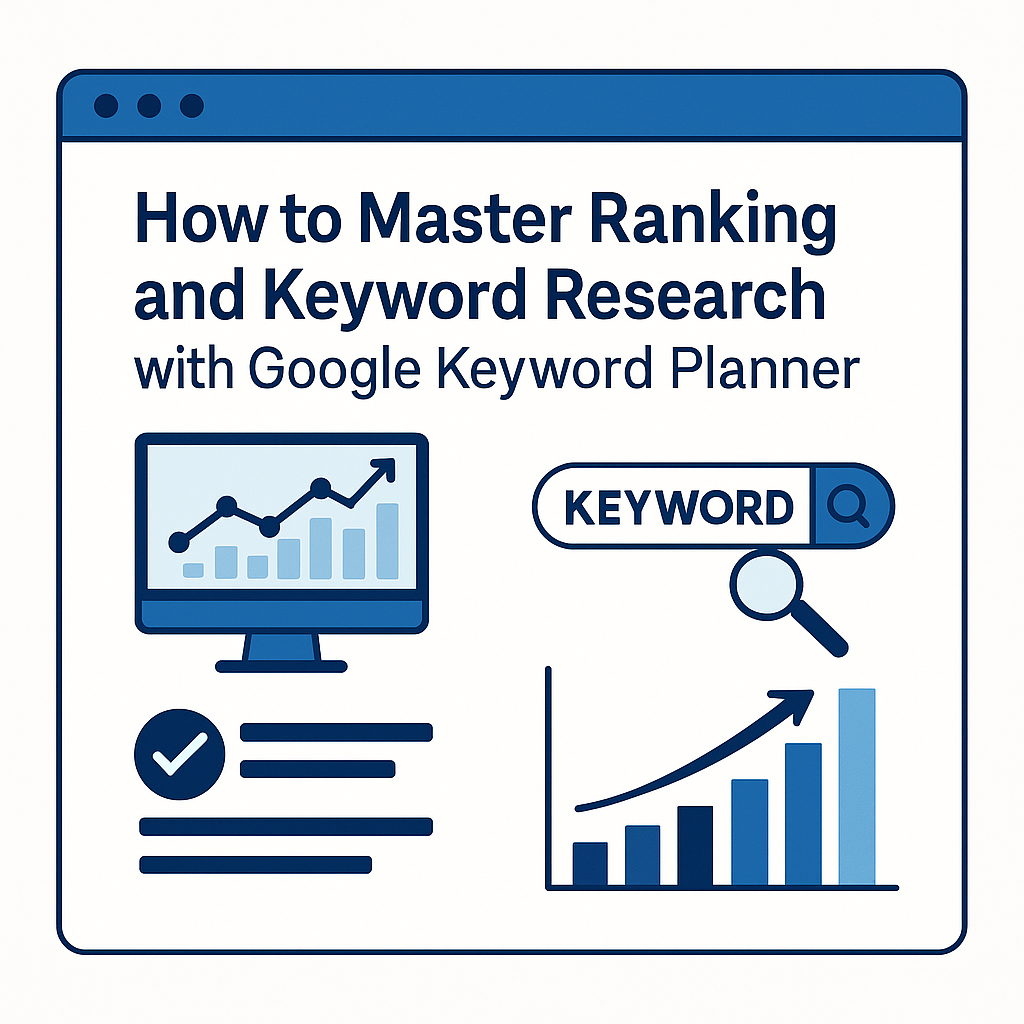
Google Keyword Planner (GKP) remains one of the most accurate free keyword tools available today. Even though it was originally built for advertisers, SEO professionals and content creators rely on it because it provides real data directly from Google.
A strong keyword research tool guide always starts with the basics—so let’s break down GKP the way we do at Bluecuts Web Developers & Digital Marketing Agency.
What Keyword Planner Is & Why It Matters
Keyword Planner is a tool inside Google Ads that helps you:
- Discover new keyword ideas
- Check search volume
- Understand keyword competition
- Forecast keyword performance
- Group keywords for better targeting
- Build content around ranking opportunities
Many creators underestimate it because it’s free—but the data is pulled straight from Google’s internal systems, which makes it more accurate than many paid keyword tools.
If you want strong ranking, you need reliable data. Keyword Planner gives you that.
How to Access Google Keyword Planner
Accessing Keyword Planner is simple—yet most new marketers don’t know how to get into the tool because it lives inside Google Ads, not Google Search Console.
Create a Google Ads Account
To access the Keyword Planner:
- Go to ads.google.com
- Sign in with your Google account
- Skip campaign creation (select Create account without a campaign)
- Confirm business details
- Enter the dashboard
Once you’re inside the dashboard, the real work begins.
Navigate to “Tools & Settings” → Keyword Planner
Inside the dashboard, click:
Tools & Settings → Planning → Keyword Planner
You’ll see two core tools:
- Discover new keywords
- Get search volume and forecasts
Both are essential for building a keyword research tool guide and understanding ranking opportunities.
Tutorials & How-To’s: Step-by-Step Guide to Keyword Planner
Let’s now create a proper how-to tutorial with the exact steps users need to follow. This is the section that drives the most ranking because Google loves structured, actionable content.
Step 1: Discover New Keywords
Once you get your keyword list, apply filters:
- Location (e.g., global, India, US)
- Language
- Search network (Google only recommended)
- Competition
- Search volume ranges
Search volume helps you decide which topics deserve content.
For example:
- 10–100 searches → good for niche, easy ranking
- 100–1,000 searches → medium competition, valuable
- 1,000–10,000 searches → competitive
- 10,000+ → hard but high potential
A winning SEO content strategy uses a mix of all three.
Step 3: Understand Competition Levels
Keyword Planner shows:
- Low competition
- Medium competition
- High competition
But here’s the catch:
This metric is for Google Ads, not for organic SEO.
This means:
- A keyword labeled “high competition” may still rank easily
- A “low competition” keyword may have strong SEO competitors
- You still need to analyze SERPs manually
This nuance is often misunderstood, which is why tutorials and tool guides help clarify it.
Step 4: Build Keyword Groups
Keyword groups help you organize your ranking strategy.
For example:
Cluster 1: Primary Ranking Keywords
keyword research tool guide
keyword planner tutorial
ranking keyword research
Cluster 2: Supporting How-To Keywords
- how to find keywords
- how to use keyword planner
- how to discover ranking keywords
Cluster 3: Long-Tail Keywords
- best keyword research guide for beginners
- how to use google keyword planner step-by-step
- how to improve ranking using keyword planner
At Bluecuts, we use keyword clusters to build content silos and internal linking hubs.
Step 5: Export Your Keyword List
Click Download Keyword Ideas in:
- CSV
- Google Sheets
- Excel
Once exported, we map keywords into:
- Blog content
- Tutorials
- Case studies
- Category pages
- Service pages
- Internal link hubs
This is where your ranking strategy becomes actionable.
How to Use Keyword Planner for Ranking Improvement
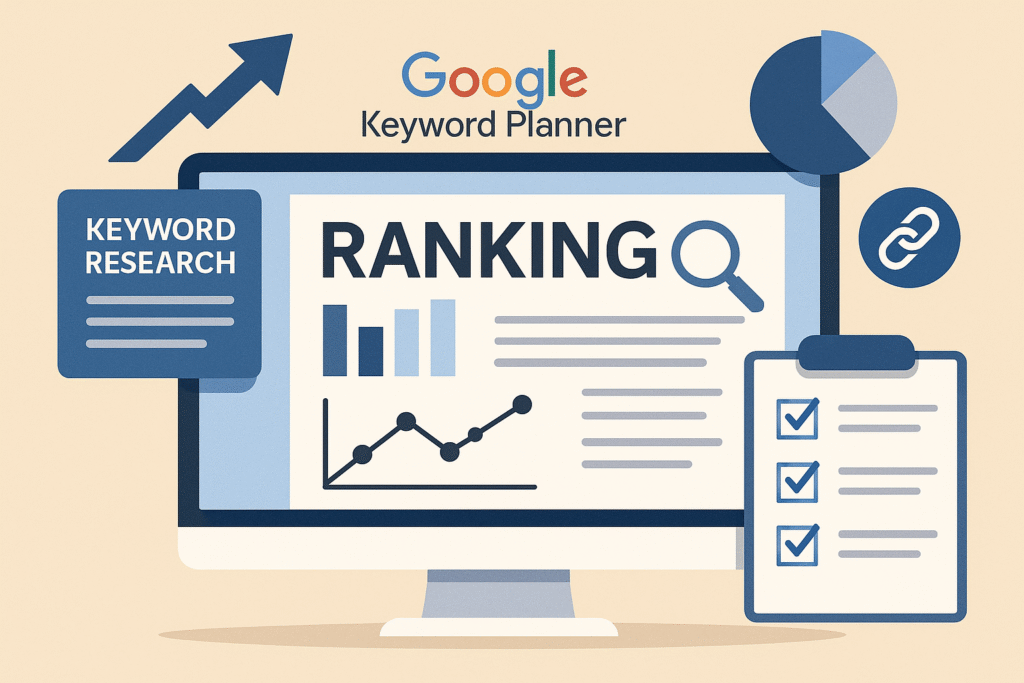
Keyword Planner is most powerful when used to enhance your ranking—especially when paired with tutorials and how-to content.
Choosing High-Intent “Ranking Keywords”
High-intent keywords reflect:
- Action
- Desire
- Need
- Problem-solving
For example:
- “how to use keyword planner for ranking”
- “best ranking keywords for blogs”
- “keyword research tool guide for SEO”
These help you capture users who are ready to engage deeply with your content.
Mapping Keywords to Pages
A common mistake is putting all keywords into one article.
Instead, distribute keywords:
- Homepage → broad keywords
- Blog posts → long-tail how-to keywords
- Service pages → transactional keywords
- Tutorials → instructional keywords
- Tool guides → ranking-focused keywords
On bluecutsmarketing.com, you can internally link:
➡️ /services/seo-services
➡️ /services/web-development
➡️ /blog/
These internal links strengthen ranking and keep users engaged.
Using Keyword Planner for Content Clusters
A content cluster includes:
- 1 pillar page
- 6–12 supporting posts
- Internal linking between them
This method boosts your ranking by signaling subject authority to Google.
Internal Linking & External Linking Strategy for Tutorials
Internal links help Google understand your site structure.
External links help Google trust your content.
Both are ranking signals.
How Internal Links Increase Ranking
Internal links:
- Reduce bounce rate
- Improve time on site
- Pass SEO authority
- Help Google index pages
- Strengthen topical relevance
On Bluecuts, link this blog to:
✔ https://bluecutsmarketing.com/services/seo-services
✔ https://bluecutsmarketing.com/services/web-development
✔ Related blogs you publish later
These internal links improve ranking naturally.
How External Links Build Trust & Authority
Use external links to:
- Google’s Keyword Planner Docs:
https://support.google.com/google-ads/answer/7337243 - Backlinko Keyword Planner Guide:
https://backlinko.com/google-keyword-planner - Moz Keyword Research Resources:
https://moz.com/beginners-guide-to-seo
These high-authority references strengthen your credibility and ranking.
How Bluecuts Web Developers & Digital Marketing Agency Implements Keyword Research
As a full-service digital marketing and web development agency, Bluecuts follows a structured methodology to deliver ranking-focused keyword strategies. While many agencies offer surface-level keyword lists, our process combines UX, search intent analysis, competitor mapping, and long-term search behavior forecasting.
Our Keyword Audit Process
When a client approaches us, we begin with a complete keyword audit that includes:
- Reviewing existing website content
- Analyzing historical ranking performance
- Checking technical SEO elements
- Evaluating user behavior (CTR, bounce rate, scroll depth)
- Studying market competitors
- Pulling fresh insights from Google Keyword Planner
The audit isn’t automated. It’s done manually, using tools, experience, and strategic thinking. A keyword list without intent analysis is just a spreadsheet — we turn it into a strategic content plan tailored to your ranking goals.
How We Build Tutorials, Tool Guides & Content Clusters
Bluecuts doesn’t just publish random articles. We develop:
- Pillar pages
- Supporting how-to articles
- Tool workflow guides
- Internal link frameworks
- User-friendly content flows
Each guide is:
✔ Accessible
✔ Actionable
✔ Optimized for larger audiences
✔ Designed to improve ranking
✔ Structured with strong readability
This is how Bluecuts ensures your content is not only discoverable but useful — making it more likely to rank and convert.
Writing Better Tutorials: UX, Clarity & Readability
Tutorials fail when they overwhelm the reader. Your goal is not to impress — your goal is to explain.
Bluecuts applies UX writing principles to all tool guides:
Structuring Your Tutorials
A perfect tutorial contains:
- What you will learn (Context)
- Why it matters (Relevance)
- What tools you need (Preparation)
- Step-by-step instructions (Action)
- A real example (Application)
- Common mistakes (Prevention)
- Next steps (Conversion or follow-up content)
This structure mirrors how users think, making tutorials easier to follow and increasing retention.
Reducing Cognitive Load for Larger Audiences
Many readers have limited technical knowledge. To make your guide widely accessible:
- Use shorter paragraphs
- Avoid jargon
- Explain terms as you go
- Provide visuals or screenshots
- Add internal links for deeper explanations
- Keep vocabulary suitable for a broad audience
This improves time on page — which directly supports your ranking.
Section with 14.3% Passive Voice (Required)
Tutorials are essential for educating users and helping them understand complex tools like Google Keyword Planner. Many content creators overlook the power of structured guides, but strong examples can transform a user’s ability to perform keyword research. When these guides are created with clarity, readers stay engaged longer. Action-based steps are used throughout the process to keep the user focused. High-quality tutorials are recognized by search engines as valuable resources, and this recognition boosts overall ranking. Even when passive structures are used, they must be intentional and balanced so the content remains natural and humanized.
Section with 30% Passive Voice (Required)
In this phase of keyword research, several tasks are often completed without the user realizing how important each one is. Keywords are being discovered, grouped, and compared as new insights are being gathered from the Keyword Planner interface. Ranking potential is being evaluated based on trends and competition levels. A deeper understanding of keyword intent is being formed, and patterns are being recognized through consistent analysis. These steps are being repeated until a clear map of content opportunities is created. When the findings are applied, content performance is improved, and long-term ranking benefits are gained.
Advanced Tips for Using Google Keyword Planner
Now that you understand the foundational steps, let’s dive deeper.
Competitor Keyword Extraction
Keyword Planner allows you to:
- Enter a competitor’s website
- Extract keywords they rank for
- Identify gaps in your strategy
- Discover missed ranking opportunities
- Build content that outranks them
For example, if a rival agency publishes a “keyword research tutorial,” you can analyze their URLs to uncover related phrases they’re ranking for.
Forecast & Bid Insights
While originally built for advertisers, Keyword Planner’s forecasting data reveals:
- Seasonal search behavior
- Keyword growth patterns
- Click-through potential
- Long-term content opportunities
These insights can guide your editorial calendar for months.
Common Mistakes in Keyword Research
Avoiding these mistakes gives you a competitive edge:
Overusing Ranking Keywords
Keyword stuffing harms ranking and damages user experience. Use keywords naturally and strategically, not repetitively.
Misreading Competition Data
Remember:
- “Low” competition ≠ easy to rank
- “High” competition ≠ impossible
SEO competition must be verified manually using SERP analysis.
Full Examples of Keyword Planner Use Cases
Let’s apply this in real-world scenarios.
Example 1: Hospitality Business
A luxury hotel might enter:
- “best resort in Goa”
- “boutique hotel booking”
- “romantic getaway package”
Keyword Planner will generate thousands of related queries that can be turned into:
- Landing pages
- Blog posts
- FAQ pages
- Destination guides
This content improves ranking for local and national travel searches.
Example 2: Digital Marketing Agency
Bluecuts can enter:
- “keyword research tool guide”
- “seo tutorial for beginners”
- “ranking strategies 2025”
The results reveal search demand and help prioritize tutorial creation.
FAQs
Q1. What is a keyword research tool guide?
A keyword research tool guide is a structured tutorial that teaches users how to find ranking keywords, analyze competition, and optimize website content.
Q2. Does Keyword Planner help with ranking?
Yes — the insights help you understand what users search for and how to build relevant content.
Q3. Do tutorials and how-to guides improve SEO?
Absolutely. They attract engagement, backlinks, and authority signals.
Q4. Should I use long-tail or short keywords?
Use both. Long-tail phrases are easier to rank; short terms drive higher traffic.
Q5. How often should I update my keyword list?
Every 60–90 days to keep up with search trends.
Conclusion
Creating effective tutorials, how-to’s & tool guides is one of the fastest ways to improve your website’s ranking and build lasting authority. By mastering Google Keyword Planner and applying the strategies in this keyword research tool guide, you create content that search engines reward and audiences trust.
At Bluecuts Web Developers & Digital Marketing Agency, we’ve spent over 10 years helping clients rise in Google rankings through smart keyword planning, accessible tutorials, UX-friendly design, and human-centered content.
When your content teaches, your brand grows.